

We know that installers cost up individual projects on a job by job basis. So, we have introduced the ability to save multiple baskets on your website account.
Simply save your basket, amend or add to the order, then check out the order when you are ready to install. Simple and super organised for deliveries and invoicing. Keep shopping for other projects, knowing that your basket is saved and ready to go when you are!
How to use this function
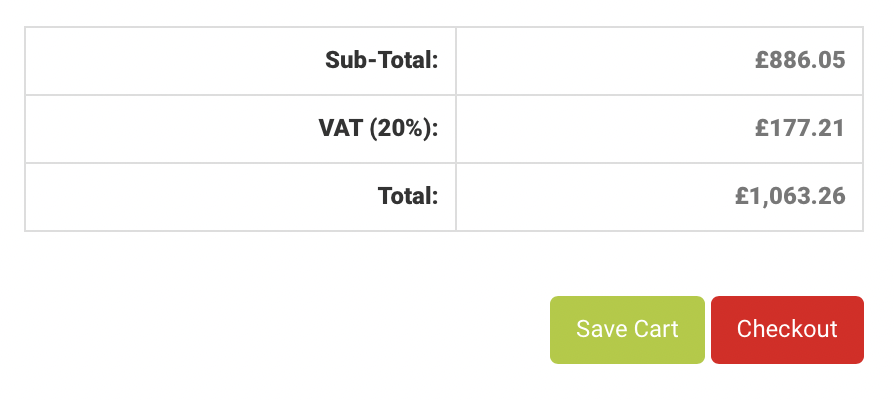
- Save your Cart
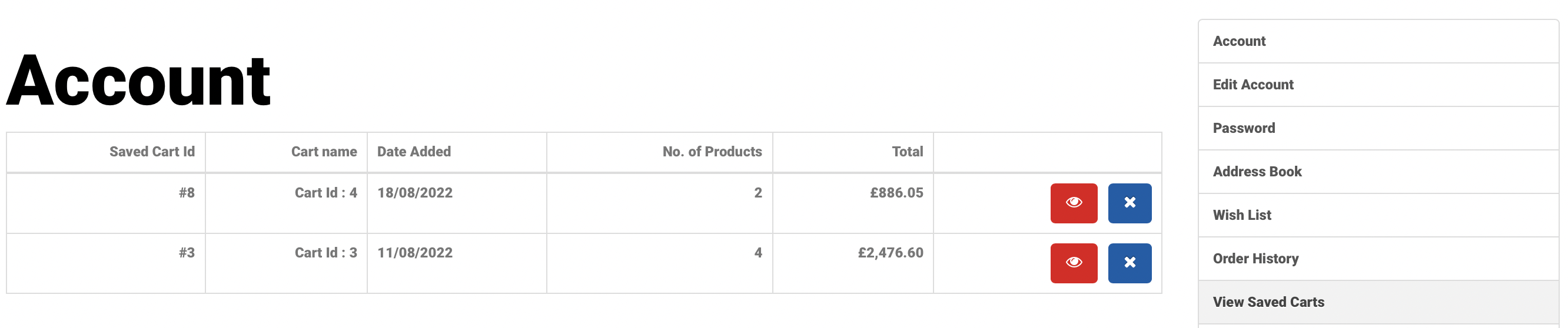
- View Saved Carts in your account menu bar
- Click View / Eye icon to view and rename
- To add items or amend a Cart > View > Place Order > Browse or Search Products > Save Cart which saves a new and updated order.
- Every time you save (or resave) a shopping cart we will send you an email detailing the saved order
Save your Cart
View your Saved Carts from your Account Page
Rename your Cart with a project or customer name

To carry on shopping 'Place order' and then search or browse products to add new items to this basket.
Save again to create a new saved basket.